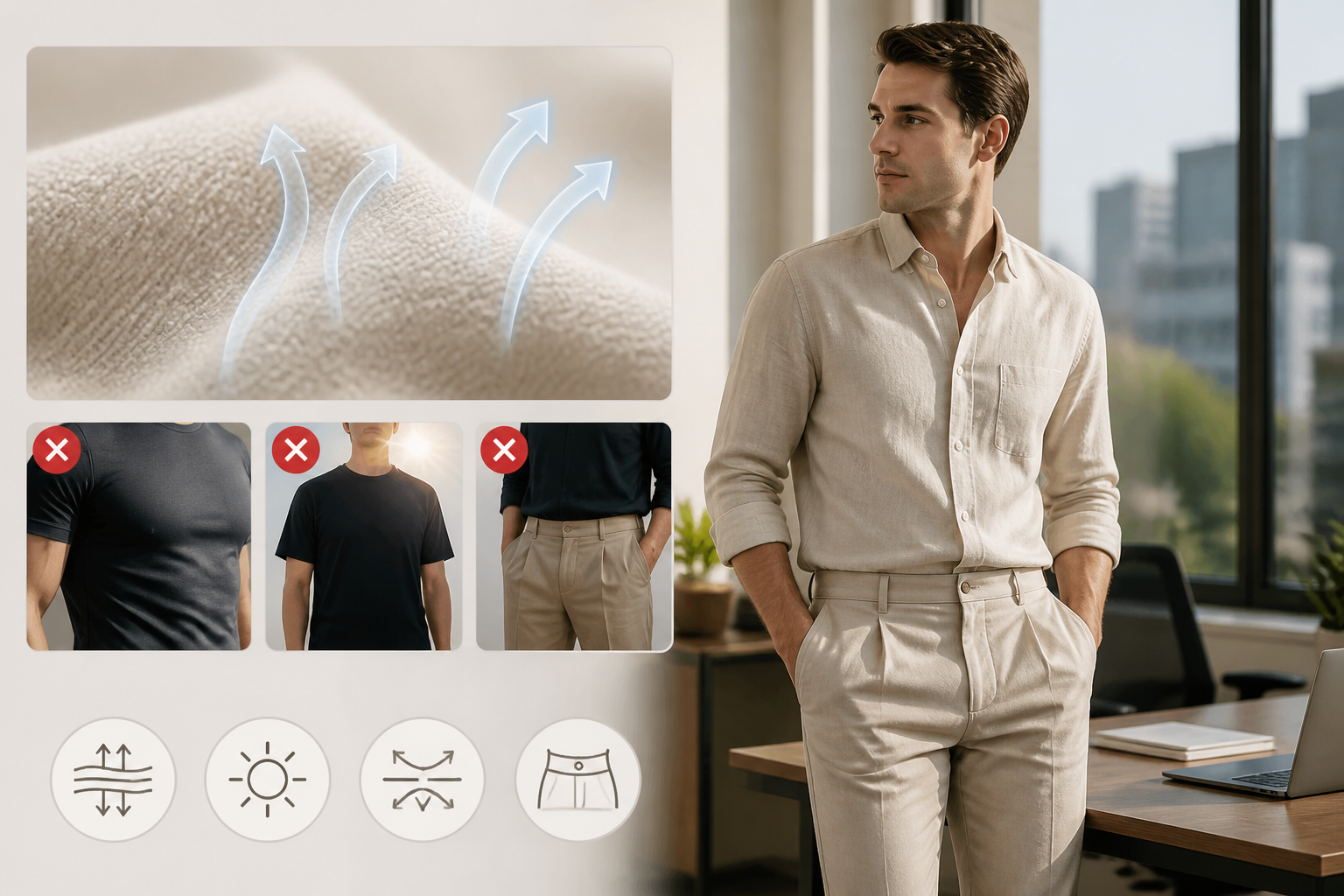
How to Use a Digital Wardrobe App to Organize Your Closet with AI (2026)
You stand in front of a closet full of clothes and come up empty. It's not that you don't own anything — it's that you can't see what you own, and you can't picture combinations fast enough to make a decision before you're late.
A Vestiaire Collective study surveying 5,000+ people found that 84% experience the "nothing to wear" feeling, and nearly one in three feel it weekly — even though 72% have more than 100 items in their closet. The problem isn't the wardrobe. It's the gap between what you own and what you can actually picture wearing.
Digital wardrobe apps exist to close that gap. The good ones go beyond cataloging your clothes — they help you see your wardrobe as a combinatorial system and get AI feedback on what's actually working.
This is a practical tutorial on how to use one.
What a Digital Wardrobe App Actually Does
A digital wardrobe app creates a visual inventory of your clothes, then lets you build and evaluate outfits from that inventory. Think of it as a search engine for your closet — not for buying new things, but for surfacing what you already have.
The core loop:
- Photograph or upload items from your closet
- Categorize them by type, color, occasion
- Build outfit combinations using the app's tools
- Get feedback on whether combinations work
The AI layer matters at step 4. Cataloging clothes is useful; knowing whether a specific combination reads right for a specific context is more useful. AI-powered tools can evaluate color coordination, proportions, and occasion-appropriateness on demand — the kind of gut-check you'd normally need a friend with good taste for.
Step 1: Photograph Your Clothes
This is the most time-intensive part. Block 60–90 minutes.
What to photograph:
- Everything you actually wear — tops, bottoms, dresses, outerwear, shoes
- Skip items you haven't worn in 12+ months (they're candidates for editing, not cataloging)
How to shoot:
- Flat lay on a neutral surface (white floor, bed, table) works better than hanging shots
- Consistent lighting matters more than professional equipment — a window with indirect daylight is enough
- One item per photo; cluttered shots make categorization harder
Shortcuts:
- Most apps let you paste directly from your camera roll if you've photographed outfits before
- Some apps use AI background removal — you don't need a clean background, it handles it
- Start with the 20–30 items you reach for most, not your entire closet. Get the workflow working before cataloging everything.
The goal of this step isn't perfection — it's creating a usable visual inventory. Good enough to work from is better than comprehensive and overwhelming.
Step 2: Build Your Visual Closet
Once items are uploaded, organize them in a way that makes outfit-building fast.
Useful categories to set up:
- Occasion: work, casual, evening, gym
- Season: all-year, summer, winter, transitional
- Color: neutral, warm, cool — helps surface color coordination opportunities
What most people skip (and shouldn't):
Tagging items by formality level. Not every top is "casual" or "formal" — there's a spectrum. An item's formality level is the most common source of outfit mismatch: pairing a structured blazer with a very casual knit, or dressing down an evening fabric with sneakers. Tagging makes it easier to filter for occasions later.
The outfit builder:
Most digital wardrobe apps let you drag-and-drop items onto a canvas to preview combinations. Use it to test pairings you wouldn't mentally visualize — combining items from different mental "buckets" is where people find the most underused combinations.
A practical rule: for each item you catalog, force yourself to build at least two combinations. This surfaces the items that have no viable pairings (edit candidates) and the items that pair with everything (your anchors).
Step 3: Check If Your Combinations Are Actually Working
Having a visual record of outfits is useful. Knowing whether those outfits actually work is better.
This is where AI outfit analysis becomes the practical tool — not the cataloging, but the feedback layer on top.
Dress Better works as the feedback step in this workflow: upload a photo of an outfit combination you've built, and the AI evaluates four dimensions:
- Color coordination — whether the color combination reads harmoniously, and what's off if it doesn't
- Proportions — whether the silhouette is balanced relative to your body
- Materials — whether fabrics are working together or creating visual conflict
- Occasion-appropriateness — whether the formality level matches the context you're dressing for
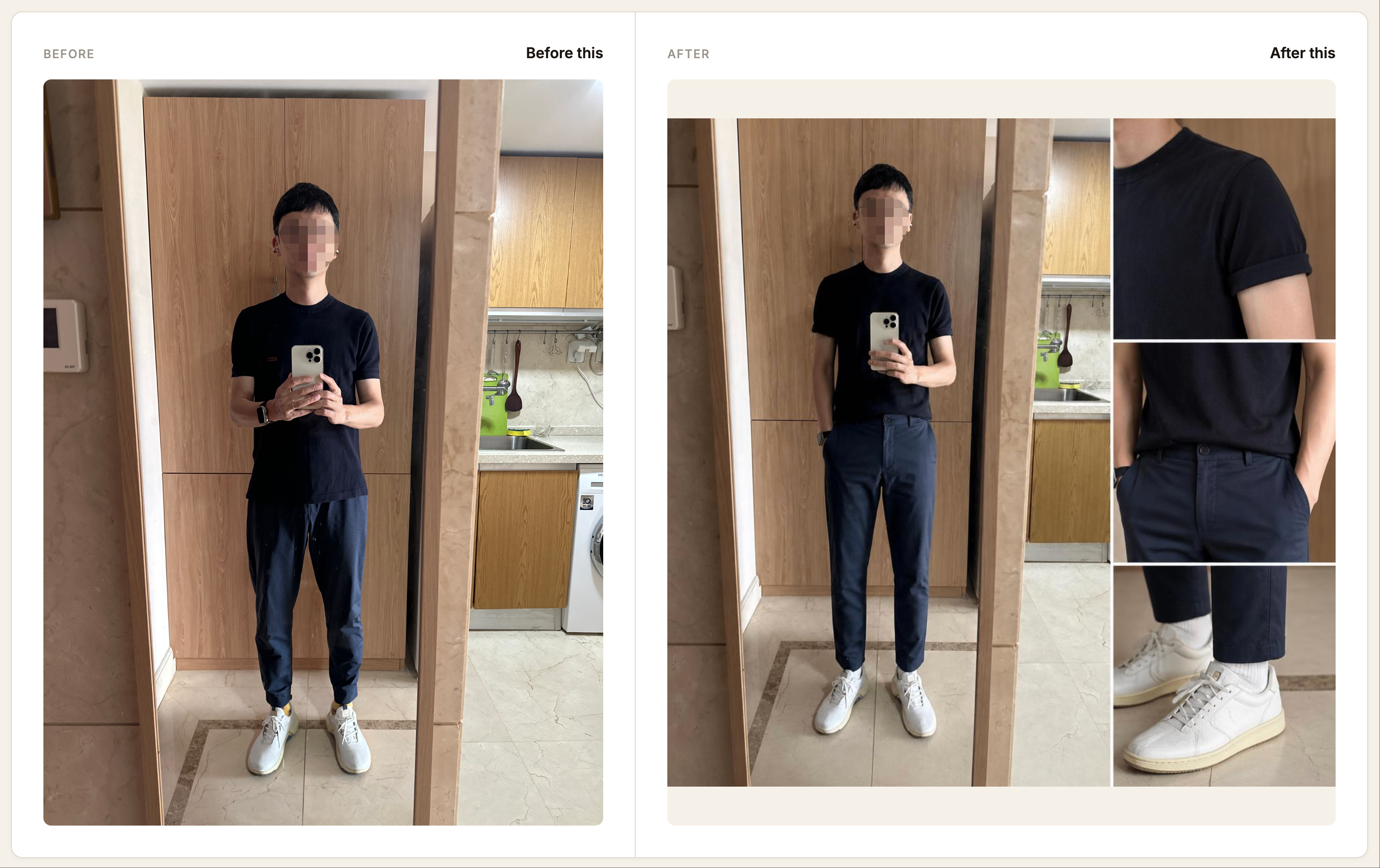
The feedback is incremental: not "redo this outfit" but "this specific element is creating tension, here's the adjustment." That distinction matters for building a working closet — you want to know what to fix, not start from scratch.
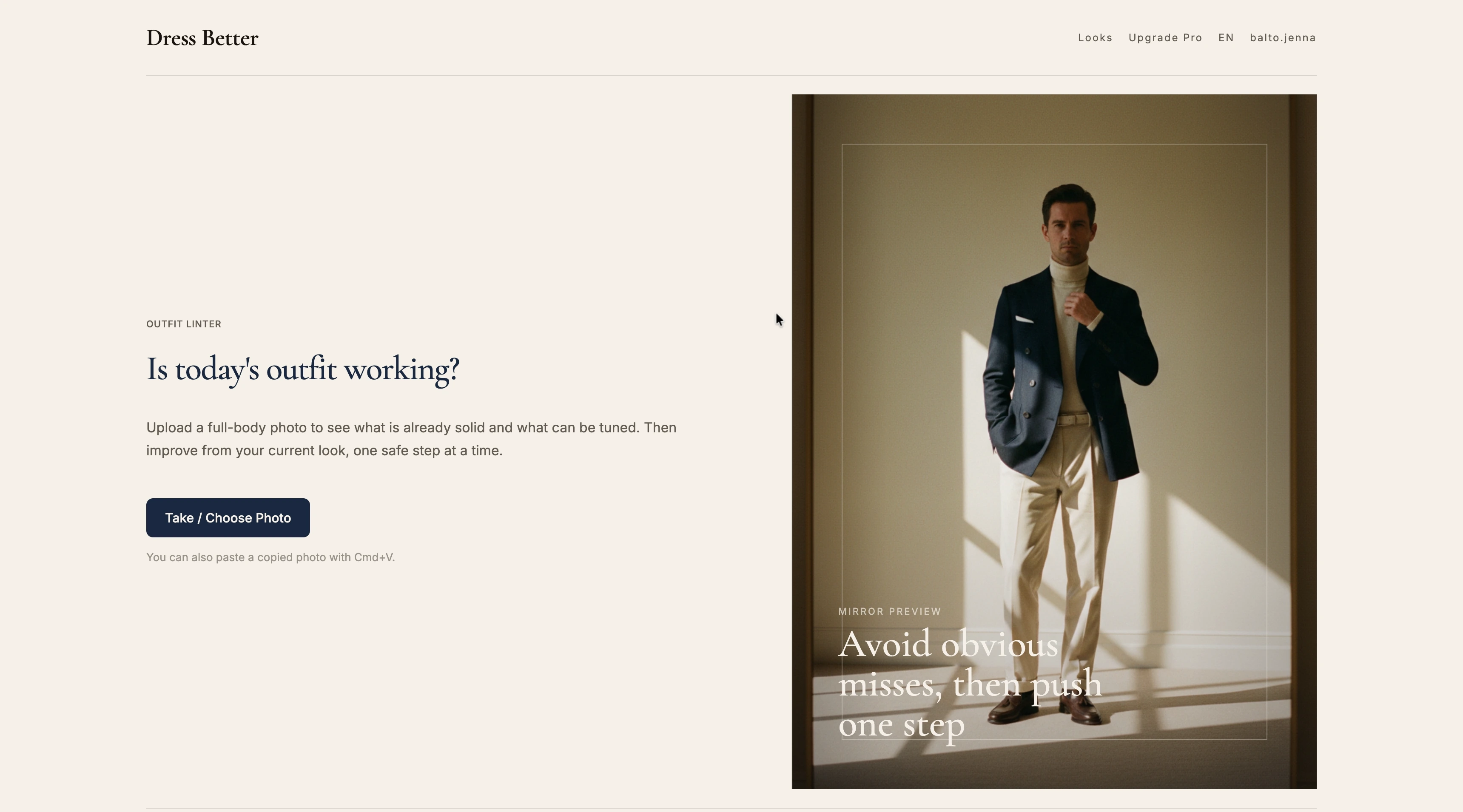
The practical workflow: build a combination in your digital wardrobe app → photograph it (or use an existing photo) → run it through AI analysis. The feedback tells you whether to keep the combination in rotation or adjust before you wear it somewhere that matters.
Step 4: Build a Rotation That Works
A digital wardrobe is most useful when it helps you see a manageable rotation — not an overwhelming grid of everything you own.
The 10-outfit core:
Rather than cataloging your full closet and building every possible combination, identify 10 combinations that work for your most common contexts (work, weekend, evening). These become your defaults — the outfits you return to without decision fatigue.
For most people, those 10 outfits use roughly 20–25 items. That's the functional core of your wardrobe. Everything outside that set is supplemental — nice to have, not daily-wear.
Pattern recognition across your rotation:
Once you've built a rotation and gotten feedback on it, patterns emerge. The most common issues when people analyze outfits:
- Color temperature mismatch: pairing cool-toned pieces (blue-based neutrals) with warm-toned pieces (earthy, orange-based). Each looks fine alone; together, something feels "off."
- Formality mismatch: one piece is pulling more formal or casual than the others, creating friction.
- Proportion imbalance: combinations that look fine separately don't balance when worn together — oversized top with wide-leg trousers reads differently in person than in a flat-lay photo.
Running combinations through analysis before building your rotation surfaces these issues before they become the outfit you wore to something important.
Step 5: Use Your Digital Wardrobe for Intentional Shopping
The most practical use of a digital wardrobe that most people don't mention: using it to stop buying things you don't need.
Before purchasing something new, open your wardrobe app and ask: what does this pair with in my existing closet? If you can't build three viable combinations with things you already own, you're buying a standalone piece that will eventually become a "nothing to wear" item.
The gap analysis:
After building your 10-outfit core, look at what's blocking combinations you want to make. If you have four strong bottoms but only one top that pairs with them, the gap is tops — specifically in a color or formality range that fills those pairings. That's a targeted purchase with a clear use.
This is the difference between shopping as a habit and shopping as a deliberate system. The wardrobe app makes the system visible.
What Makes a Digital Wardrobe App Worth Using
A few things separate the apps people actually use from the ones they abandon after cataloging 40 items:
Speed of upload: If photographing and uploading items takes more than 60 seconds per item, the system becomes a project that never gets finished. Background removal, direct paste, and batch upload matter.
Outfit canvas usability: The combination-building interface needs to be fast and visual. Dropdown selections and text-based outfit logs don't surface combinations in a useful way.
Integration with a feedback layer: A catalog alone isn't enough. The most useful flow is: catalog → combine → check whether it works. That last step requires an analysis layer, not just a gallery.
Saves history: Every combination you build and analyze should be retrievable. The pattern recognition only works if you can compare across time — what combinations you returned to, which ones got flagged repeatedly for the same issues.
Getting Started Without Overwhelm
The friction that kills most closet organization attempts is trying to do everything at once.
A more useful approach:
- This week: Photograph 20 items — your most-worn pieces. Don't organize yet.
- Next session: Build 5 combinations from those items. Build two per item.
- Then: Check the combinations you're unsure about. Upload a photo, get feedback, adjust.
- Ongoing: Add items as you wear them, not in bulk.
By the time you've worked through your 20 most-worn pieces, you'll have a functional wardrobe rotation and a clearer picture of what you actually reach for. The rest of the closet can follow at its own pace.
The goal isn't a perfect digital catalog. It's getting dressed faster and more deliberately — knowing what you own, how it works together, and whether what you're putting on is actually landing right.
Ready to check if your outfit combinations are working? Try Dress Better — upload a photo and get AI feedback on color, proportions, materials, and occasion fit.
Disclosure: This article was produced by the Dress Better editorial team. It includes references to Dress Better's own AI outfit analysis tool. Outfit advice reflects common patterns observed in user-submitted outfit analyses.