AI Outfit Swap: See Exactly What to Change Before You Walk Out
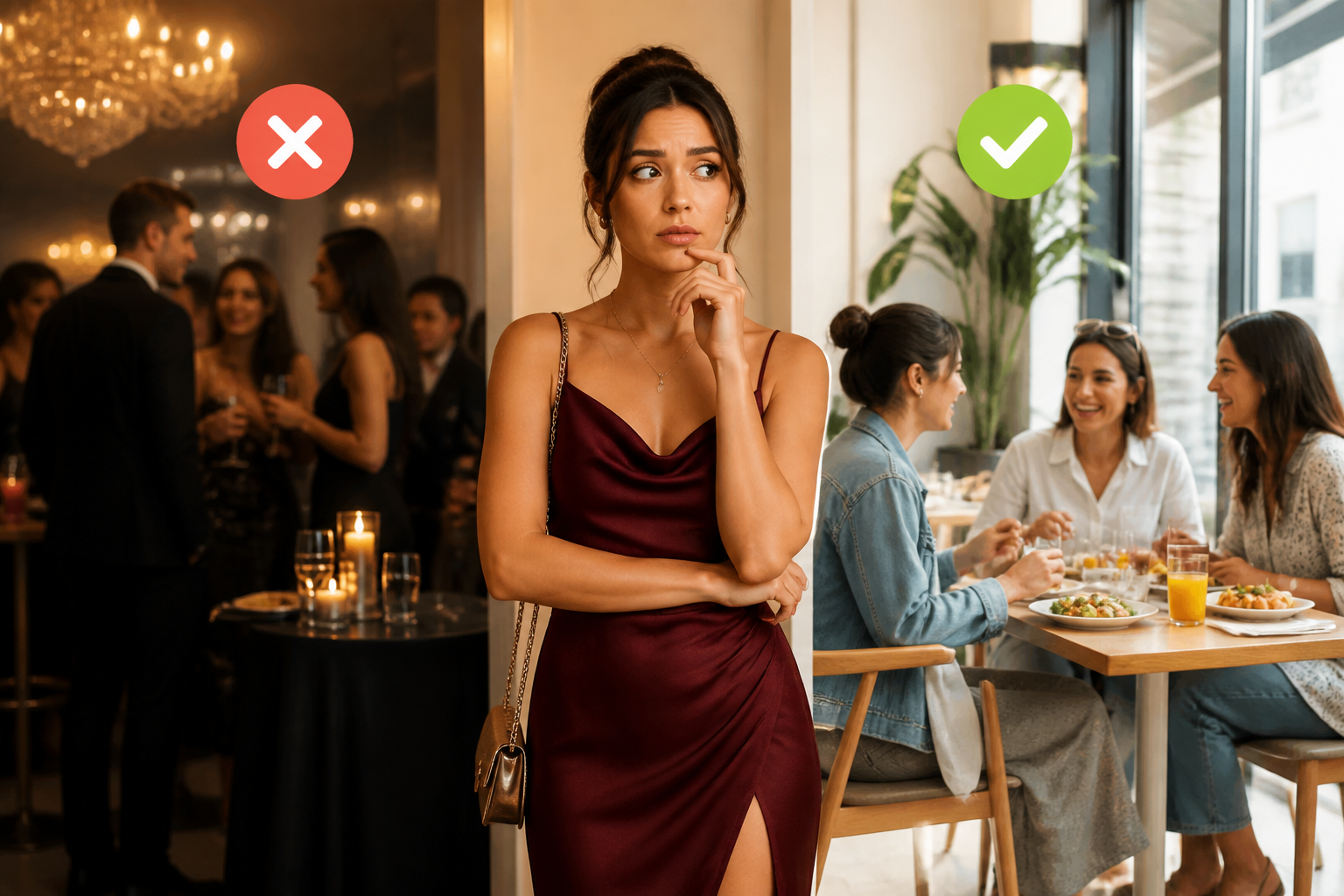
You're dressed. You're almost out the door. Something feels off, but you can't name it. Is it the shoes? The proportions? The color combination that seemed fine in your head but looks wrong in the mirror?
That moment — the pre-departure outfit doubt — is exactly what Dress Better was built for.
Most tools that show up when you search "ai outfit swap" do something visually impressive: you upload a photo, pick a garment, and the AI generates a new image of you wearing it. It's fun. But it doesn't tell you what's actually wrong with what you're wearing right now. And it doesn't help you get out the door with confidence.
Dress Better takes a different approach. Instead of swapping your clothes in a photo, it analyzes your actual outfit and tells you exactly what to swap — a sock color that's too bright, a belt you forgot in a formal setting, a proportion that's slightly off. Real feedback. Your real wardrobe. In about 30 seconds.
What Most AI Outfit Swap Tools Actually Do
The top AI outfit swap tools on the market — Higgsfield, BitStudio, WeShop, Looksy — are all built around the same idea: generative virtual try-on. You upload a photo of yourself, select or upload a garment, and the AI composites a new image showing you in that outfit.
It's useful for shopping. It's useful for social media content. It's genuinely impressive technology.
But here's the limitation: you're seeing a generated image of yourself in clothes you don't own yet. You're not getting feedback on the outfit you're actually wearing. You're not learning anything about why your current look works or doesn't. And you're definitely not getting the specific, actionable note that would make your outfit 10% better before you leave.
That's the gap Dress Better fills.
The Dress Better Approach: Analysis, Not Generation
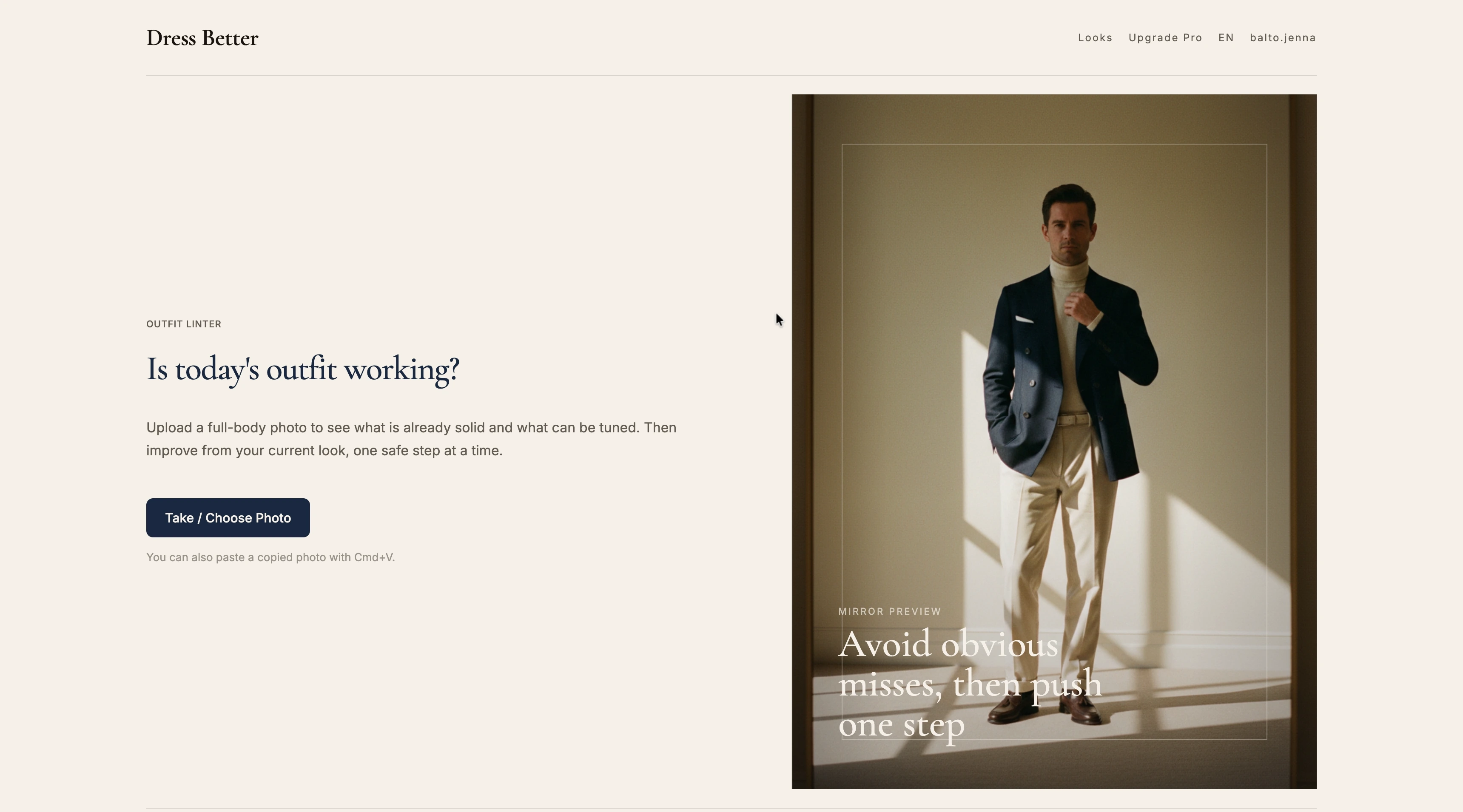
Dress Better is an AI-powered outfit analysis tool. You upload a full-body photo of what you're wearing, and the AI evaluates it across four dimensions: color coordination, fit proportions, material choices, and occasion-appropriateness.
The result isn't a new image. It's a specific, honest assessment of what's working and what isn't — with concrete suggestions for what to adjust.
The founder's original motivation captures it well:
"My original motivation was to build a tool that could 'check' my outfit before I leave: it could sharply notice if my sock color is too bright, or remind me whether I need a belt in a formal setting."
That's the use case. Not "show me in a different outfit." More like: "Is this outfit actually okay? And if not, what specifically should I fix?"
The AI behind this isn't running generic style rules. The team trained it on a large-scale dataset of professional fashion editorial content:
"We scraped tens of thousands of articles from top fashion websites and magazines. We used vision models to 'learn' how professional editors deconstruct composition, materials, and proportions in images, extracting a rules database many times larger than the article count."
The result is a system that evaluates your outfit the way a knowledgeable friend would — not with vague compliments, but with specific observations grounded in how clothes actually work together.
How It Works
Getting feedback on your outfit takes three steps.
Step 1: Take a full-body photo.
Stand in front of a mirror and take a photo that shows your complete outfit — head to toe. Natural light helps, but it doesn't need to be a professional shot. The AI needs to see the whole picture: shoes, pants, shirt, jacket, accessories.
Step 2: Upload it to Dress Better.
Go to dressbetter.co and upload your photo. You can use the file picker or paste directly with Cmd+V. No account required to get your first analysis.
Step 3: Get your feedback.
Within 30 seconds to a minute, the AI returns a breakdown across four axes:
- Color: Are the colors coordinating well? Is anything clashing or competing?
- Proportions: Do the silhouettes and fits work together? Is anything visually heavy or off-balance?
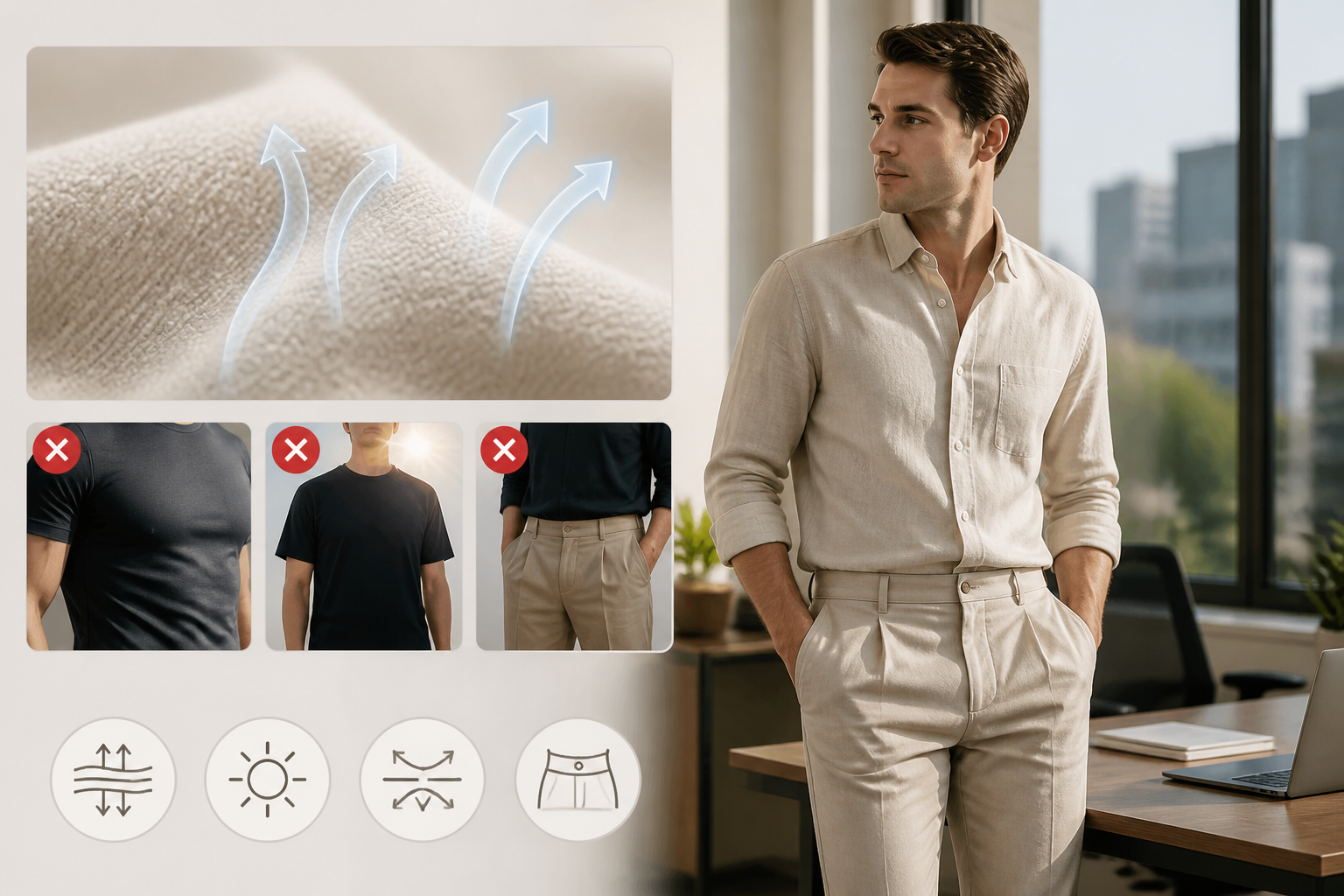
- Materials: Are the fabric weights and textures appropriate for each other and for the occasion?
- Occasion fit: Does the overall look match where you're going?
Each axis gets specific notes — not just "the colors don't work" but which colors, why, and what to consider instead.
What the AI Actually Swaps
Here's the reframe that matters: Dress Better is an ai outfit swap tool. Just not the kind that generates a new image.
It swaps bad habits for good ones. It swaps uncertainty for a clear answer. It swaps the vague feeling that something's off for a specific note you can act on.
The philosophy behind the feedback is deliberate. The goal isn't to rebuild your outfit from scratch — it's to find the one or two things that are actually out of place and fix those.
"Our core principle is 'style continuation' and 'fine-tuning', not 'rework'. Only when something is truly out of place — like shoes that look like a toothpick skewering a zucchini — do we suggest replacing an item."
Most of the time, your outfit is mostly fine. There's one thing that's pulling it down. The AI finds that thing and names it. You fix it. You leave.
That's a more useful kind of ai outfit swap than seeing yourself in a generated image of clothes you don't own.
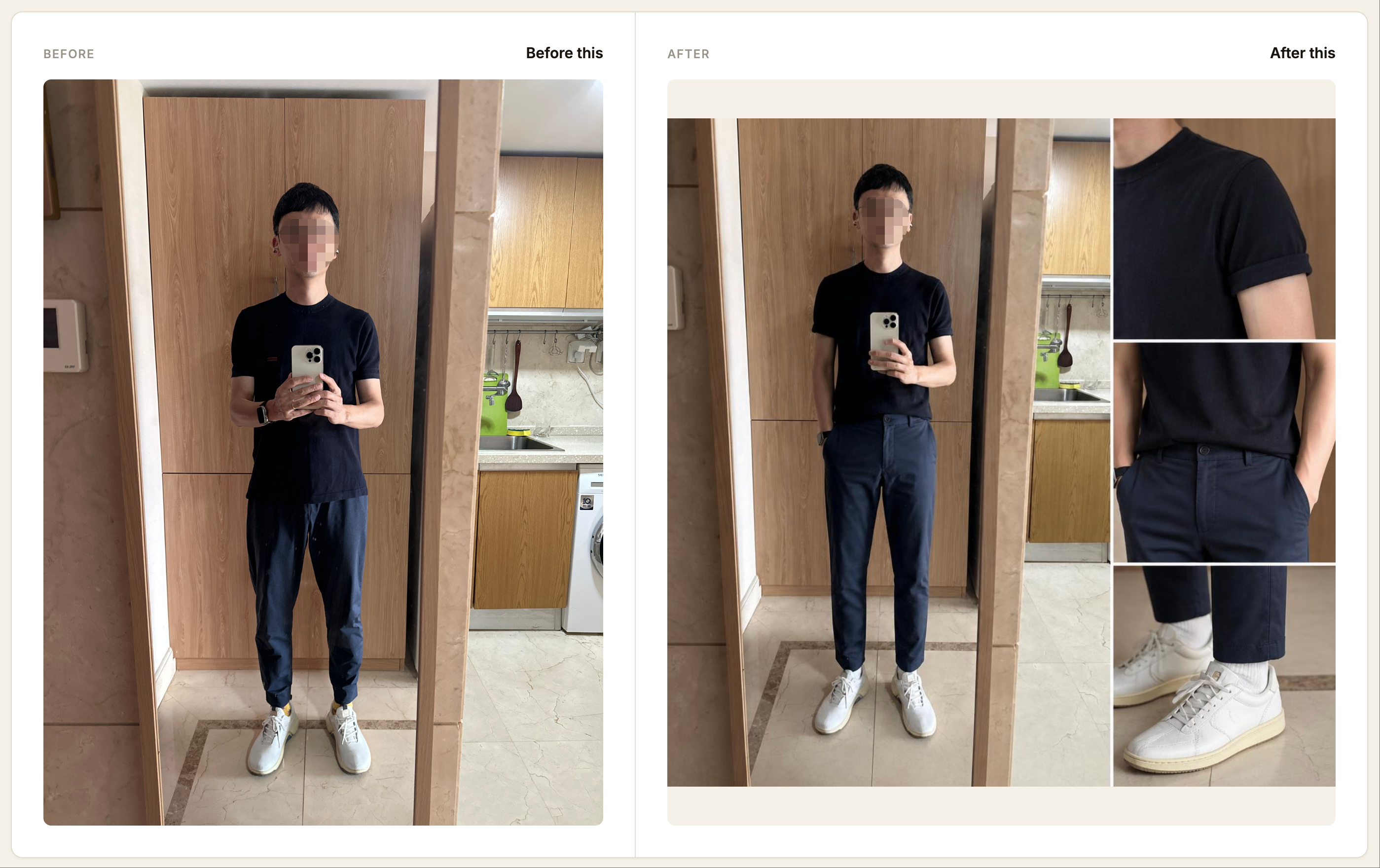
Visual Transformation: See the Before and After
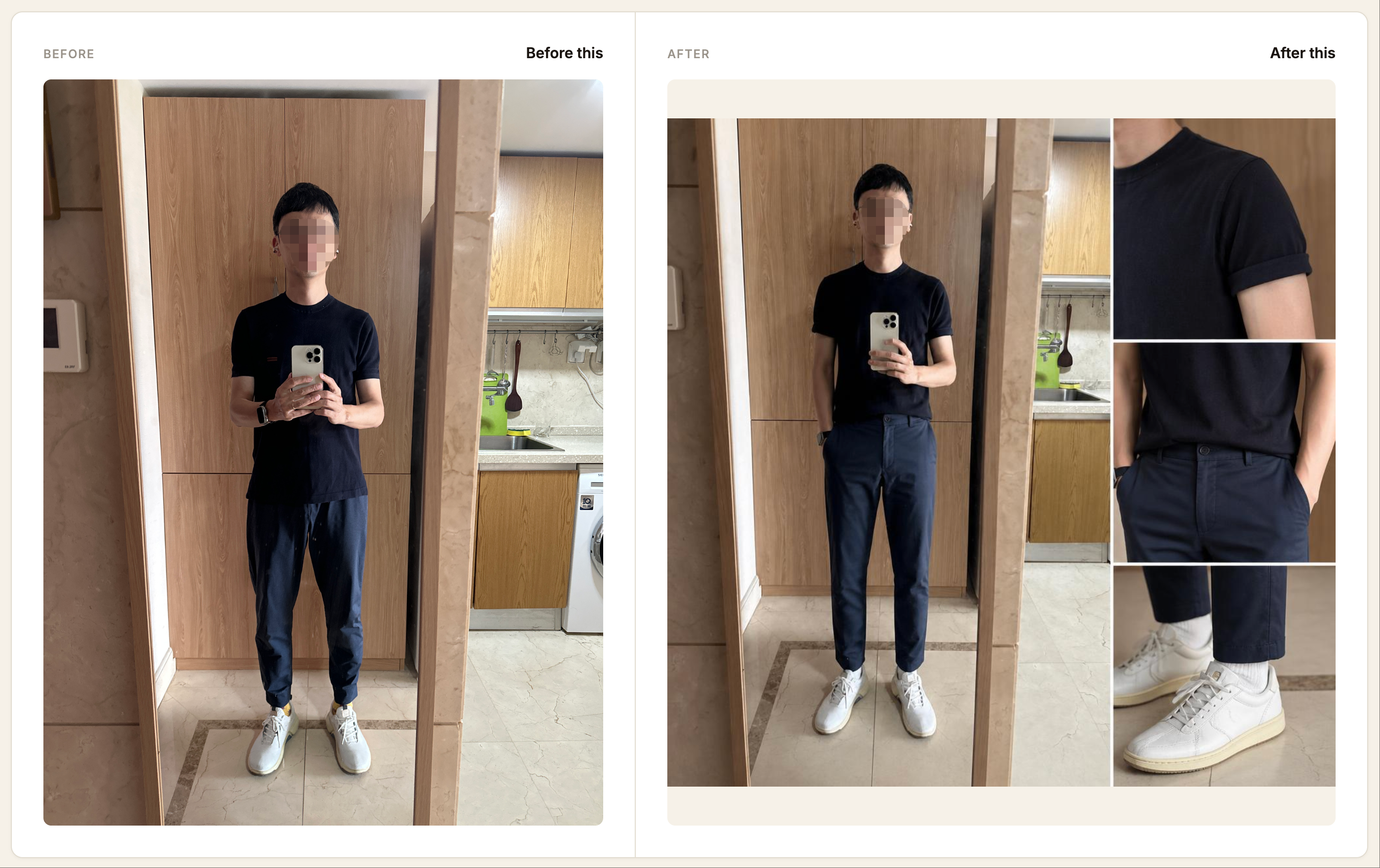
After your analysis, Dress Better can generate a visual before-and-after comparison — a single image that shows your original outfit alongside the adjusted version, with the specific changes highlighted. It's a useful way to see the difference that small adjustments make, without needing to re-dress and re-photograph.
Your Look History
Every outfit you analyze gets saved as a "Look" in your Look History after you log in. Over time, you build a browseable record of what you've worn, what the AI flagged, and which outfits are marked "Ready Again." It's a lightweight way to track your style progress and avoid repeating the same mistakes.
Why Dress Better Doesn't Sell Clothes
One thing worth knowing: Dress Better has no e-commerce component. There's no shop, no affiliate links, no sponsored recommendations.
That's intentional.
"We firmly don't do e-commerce, because once we start selling, the sense of proportion in suggestions gets corrupted."
When a tool is trying to sell you something, its advice is shaped by what it wants you to buy. Dress Better's only job is to give you honest feedback on what you're wearing. That's it.
Frequently Asked Questions
Does Dress Better actually swap my clothes in photos?
No — and that's the point. Dress Better doesn't generate a new image of you in different clothes. It analyzes the outfit you're wearing and tells you specifically what to adjust. Think of it as swapping uncertainty for a clear answer, rather than swapping one garment for another.
How is this different from virtual try-on apps?
Virtual try-on apps (like Higgsfield or WeShop) show you a generated image of yourself in clothes you don't own yet. They're useful for shopping. Dress Better is useful for getting dressed — it evaluates your actual outfit and gives you actionable feedback before you leave the house. Different tools for different moments.
What kind of photo do I need to upload?
A full-body photo works best — ideally taken in front of a mirror so the AI can see your complete outfit from head to toe. Natural light helps with color accuracy. You don't need a professional setup; a phone photo is fine.
Is Dress Better free to use?
You can upload a photo and get an analysis at dressbetter.co — no account required to get started. Log in to save your outfits to your Look History and access your analysis over time.
Try It Before Your Next Outfit Decision
The next time you're standing in front of the mirror and something feels off, you don't have to guess. Take a photo, upload it to Dress Better , and get a specific answer in under a minute.
Not a fantasy image. Not a generated look. A real assessment of what you're actually wearing — and exactly what to swap to make it work.